
Support
Answers to common questions. If you can't find what you need, send an email.
1The widget
The widget doesn't show my events.
Open +month once and allow access to your calendars. If you said no before, turn it on in the Settings app under Privacy & Security › Calendars.
Also check that the calendar is turned on in +month's Settings › Calendars to Show.
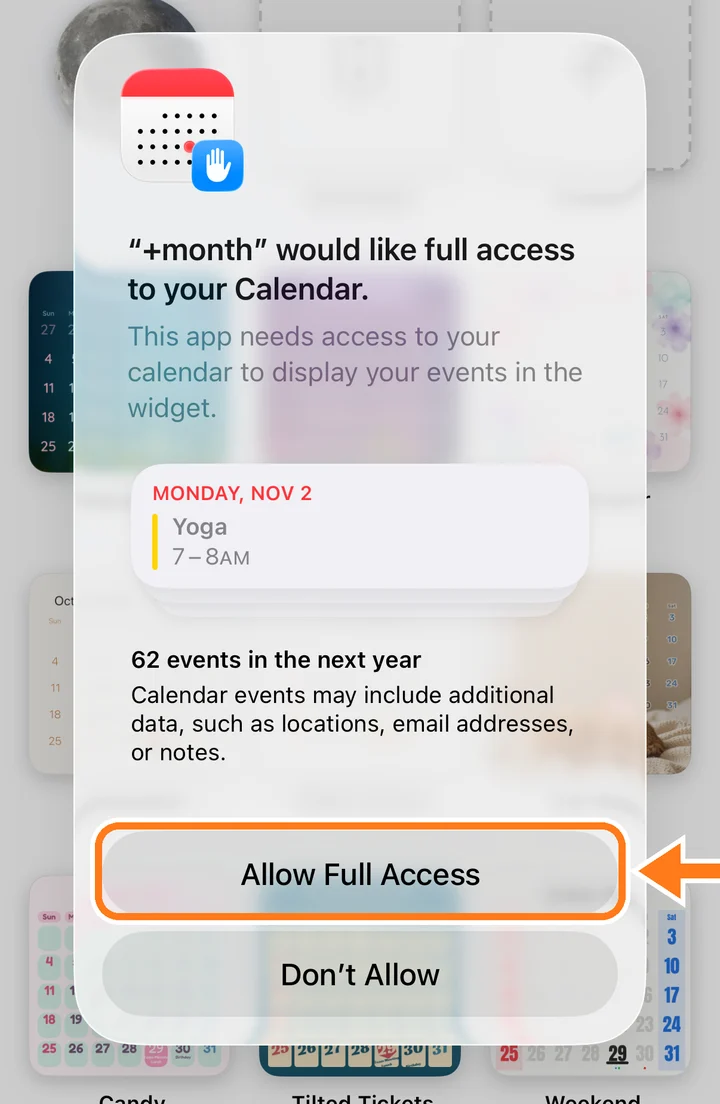
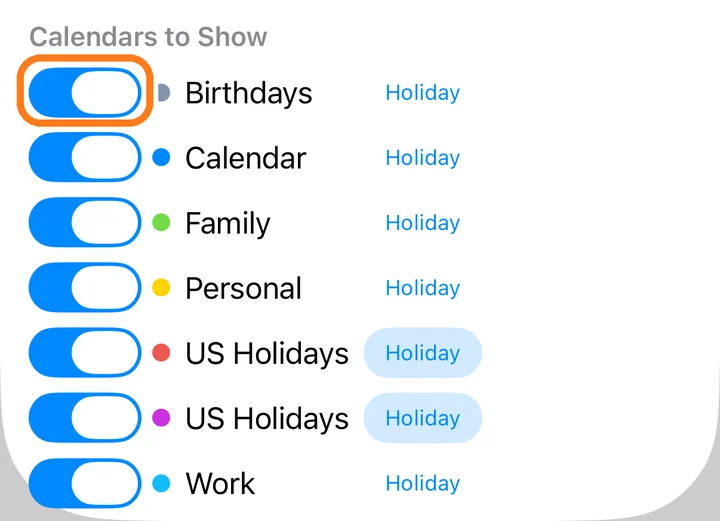
Manual: Allow access to your calendars
The widget hasn't changed yet.
Widgets are refreshed by the system, so changes can take a moment. Opening +month refreshes the widget right away.
Changes in the editor reach the widget when you save.
The widget turns gray, or is slow to change.
A widget can only use a small amount of memory. A calendar with many heavy parts, such as large photos, photo albums in several places and several clocks, can run out of memory.
Remove some parts, or let the photo albums change less often (for example, every hour instead of every 15 minutes).
The widget went back to this month by itself.
After you flip months on the widget, it returns to this month after an hour, so it always shows today when you next look.
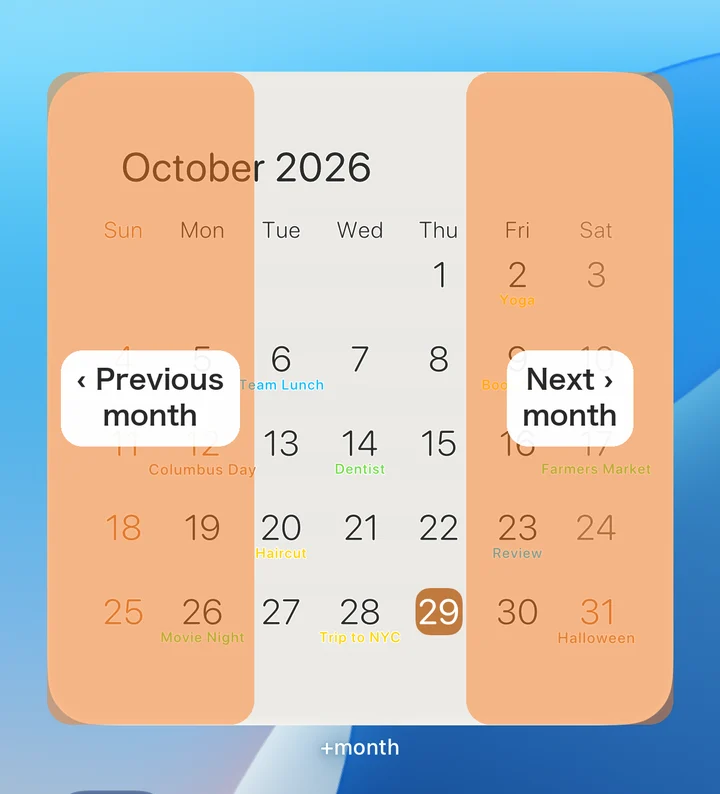
Manual: Flip through months
I tapped Set, but the widget shows a different calendar.
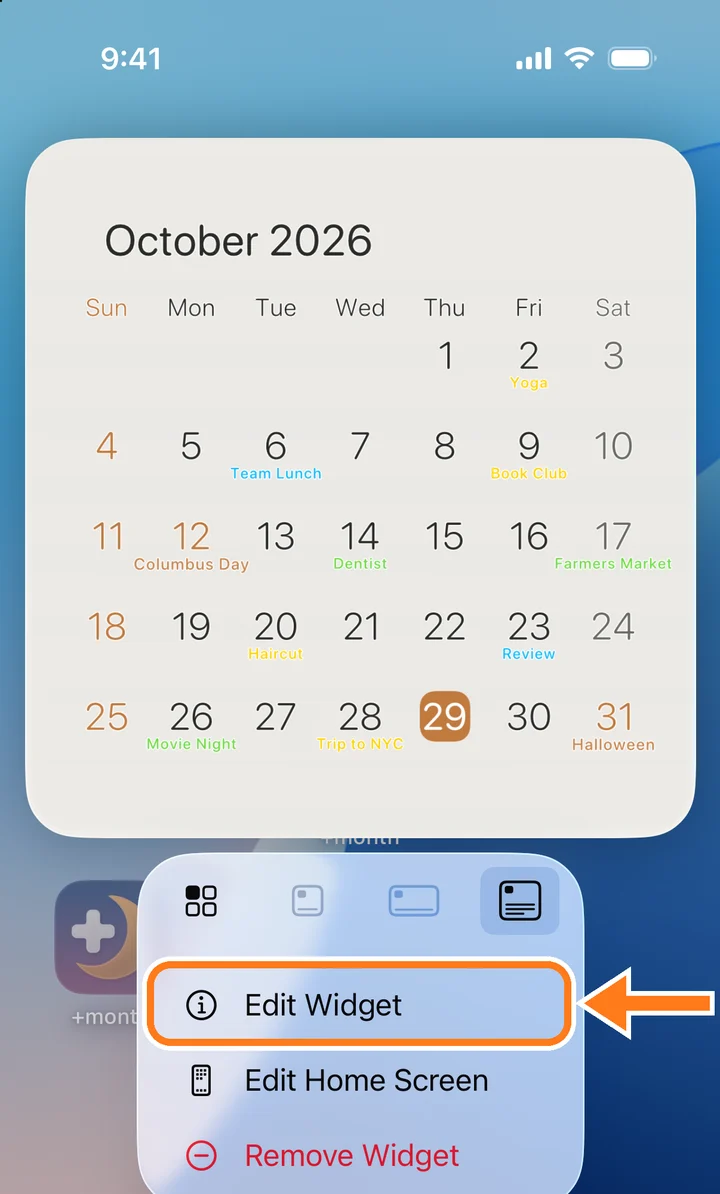
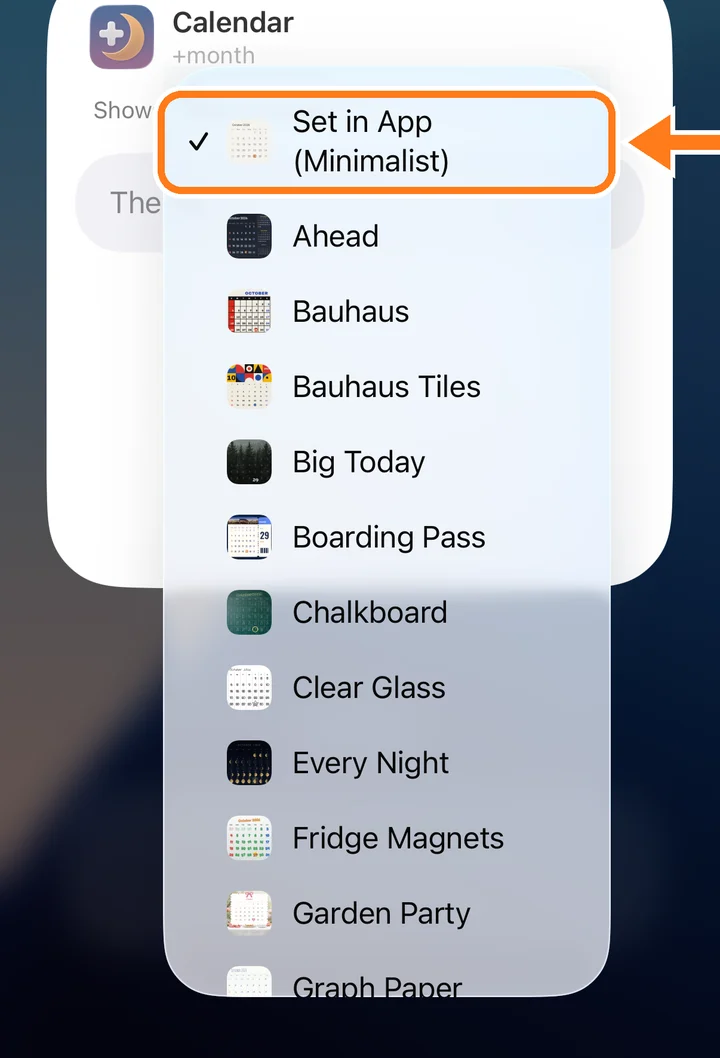
Set changes only widgets set to Set in App. To change one widget, touch and hold it and choose Edit Widget.
If the calendar has a clock mark, a schedule may be showing another calendar right now.
The second hand on the widget doesn't move.
Widgets update once a minute, so the second hand stays still. The hour and minute hands move every minute.
The widget shows a red ERROR.
+month couldn't read the calendar. Choose another calendar for the widget, or delete the broken one in +month and download or import it again.
2Calendar and events
What does +2 next to an event mean?
When a day has more events than fit, the number of events not shown appears after the last one.
Holidays aren't shown in the holiday color.
In Settings › Calendars to Show, turn on Holiday next to your holiday calendar.
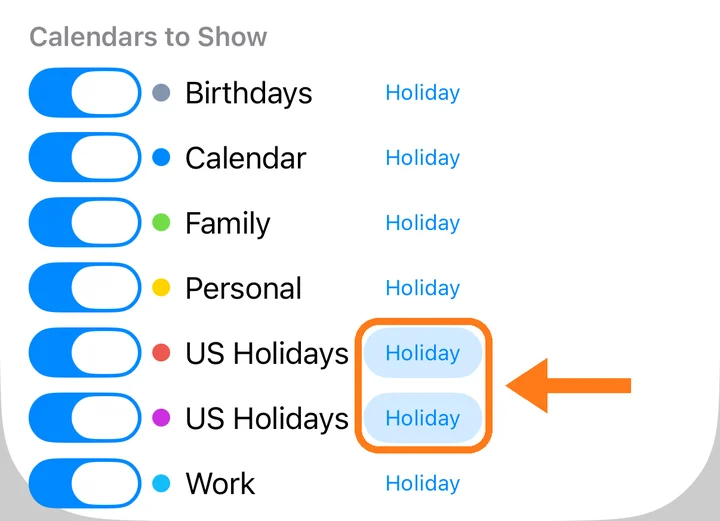
Manual: Choose which calendars to show
How do I start the week on Monday?
In Settings, choose Monday under Week Starts On.
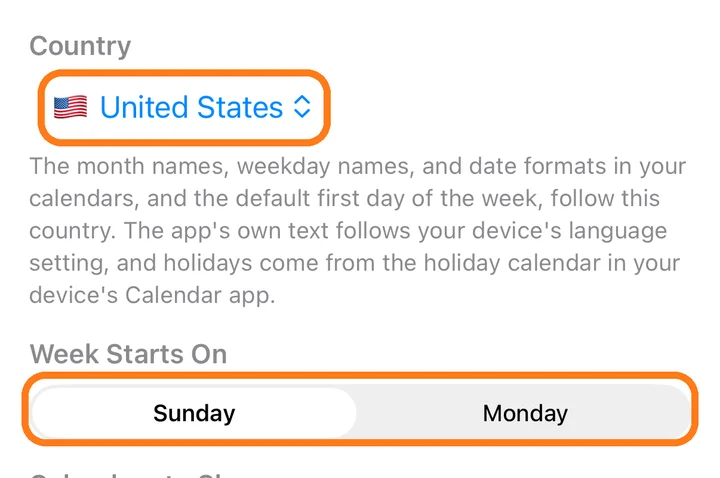
Month and weekday names are in another language.
Month and weekday names follow the Country in +month's Settings. The app's own text follows your device's language.
Can +month change or delete my events?
No. +month only reads your calendars. It never adds, changes or deletes events. To add events, use your Calendar app.
3Designs and photos
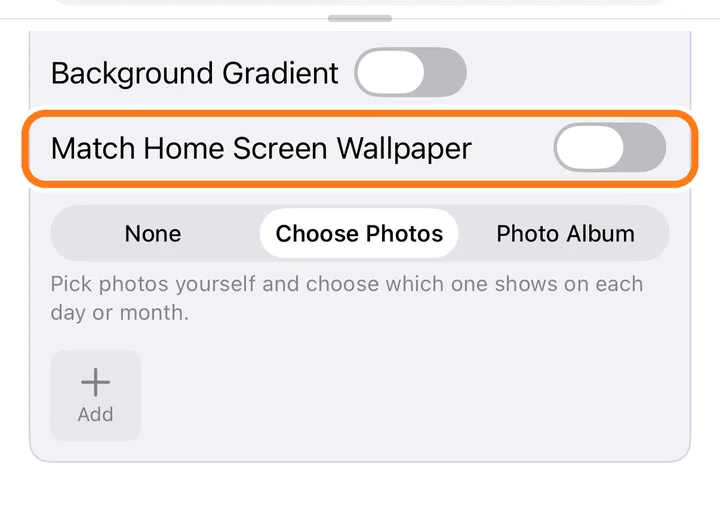
Can the widget blend into my wallpaper?
Yes, on iPhone. In the editor, open Background and turn on Match Home Screen Wallpaper, then follow the steps.
Not every photo in my album appears.
+month keeps up to 100 photos from an album and swaps in others over time, so you'll see the rest gradually.
Manual: Photos and albums
Are my photos uploaded anywhere?
No. Photos you choose stay on your device. They leave it only if you share a calendar or upload it to iCloud yourself.
Are the famous paintings used legally?
Yes. We only use paintings whose copyright has expired, by artists who died long ago, and we check each painting before adding it.
The images come from museums that publish them for anyone to use. Each calendar shows the painting's title and where it comes from.
4Free version and Premium
What can the free version do?
Everything, with ads on iPhone and iPad. You can download 3 calendars from the gallery, and on Mac you can save 3 times a day.
Deleting a downloaded calendar doesn't give you a download back.
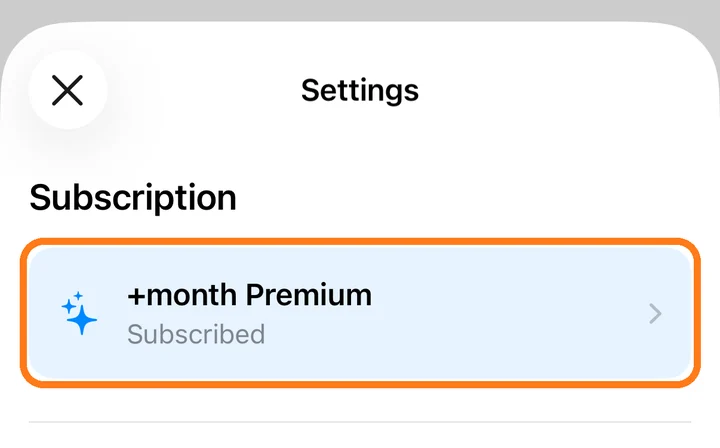
Manual: +month Premium
How do I cancel +month Premium?
Open your App Store account settings, tap Subscriptions, and cancel there. Calendars you've already downloaded stay on your device.
I got a new device. How do I get my subscription back?
Sign in with the same Apple Account. Your subscription works on iPhone, iPad and Mac automatically.
Contact
If something isn't working, please include your device and OS version.